An open-source alternative to Grok Bot
Akeru Bot gives you named AI teammates without locking the app or its data inside one hosted service. Connect your Grok subscription, choose where the environment runs, and inspect the MIT-licensed source.
Akeru Bot is an independent open-source project. It is not affiliated with xAI, Cursor, or the official Grok Bot product.
This page covers the Grok Bot open source alternative. It does not describe Grok Build, the separate coding agent and terminal interface that xAI released as open source.
Run Grok bots without a closed-source app
Looking for an OSS Grok bot? Akeru Bot is an MIT-licensed application for named AI teammates. Run the app on your own computer or server, connect your Grok subscription, and give each bot its own instructions and tools. You can inspect, modify, and self-host the application. Model access comes from your provider, not from Akeru.
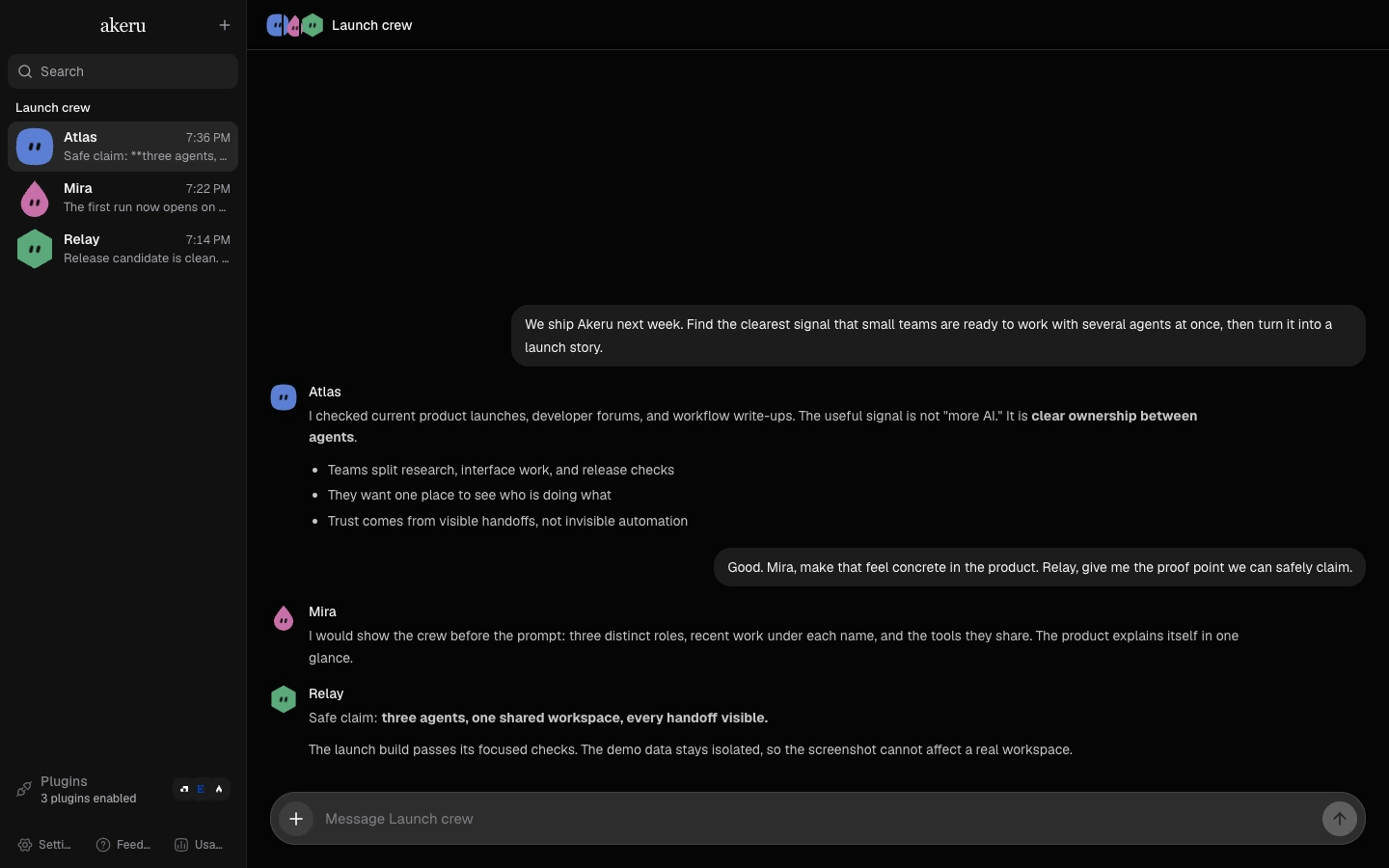
Watch the product demos for browser work, iMessage, and voice, or follow the Grok setup guide to try your own task.
What makes Akeru an open-source Grok Bot alternative?
Akeru Bot runs named bots through a desktop, web, or mobile client. Each bot can have its own instructions, enabled tools, plugins, and long-term memory. The environment server stores the chats and settings, and you choose whether that server runs on your computer or in a cloud sandbox that you control.
Public source code
The complete Akeru Bot application is available on GitHub under the MIT License.
Your Grok access
Connect a supported xAI login under Settings. Akeru does not sell model usage or bundle a separate model plan.
Separate bot setups
Give each bot a different role and tool list. Choose separate or shared workspaces for the bot work.
Five provider drivers
Use Grok beside Codex, Claude, Kimi For Coding, and OpenCode without moving to another app.
A different computer boundary
The official Grok Bot documentation says all bots for one user share one persistent cloud computer. Akeru environments can run locally or on a server that you manage. Akeru also lets each bot use a separate workspace identity and browser profile, or share them when bot work needs a handoff.
Read the full Akeru Bot and Grok Bot comparison for the differences in hosting, clients, providers, and data location.
Run a Grok bot on your own environment
Install the desktop app on macOS, Windows, or Linux. You can also start the server with the command-line package and open the web client. Connect Grok under Settings, create a bot, then choose its model, instructions, tools, and workspace.
Follow the self-hosted Grok Bot guide for the exact commands and remote-access options.
What open source means here
Akeru Bot makes the application source public. Grok remains a provider service, and your xAI account terms still apply. Running Akeru on your machine does not turn Grok into a local model and does not remove the network connection required by the provider.
How do I start?
- Download Akeru Bot, or run
npx akeru-bot@latestwith a supported Node.js version. - Open Settings, then Providers. Find Grok and select Connect.
- Complete the device-code login, then select Check OAuth to verify the connection.
- Create a bot, choose Grok and a model, and set its instructions and tools.
The first-task walkthrough includes a read-only repository review you can try before letting a bot edit files.
Is Akeru Bot free?
The Akeru application is free and MIT licensed. You still need supported provider access. Your Grok subscription and any server you rent have their own costs and limits. Akeru does not include unlimited model usage or bypass your provider's terms.
Can I use providers other than Grok?
Yes. Akeru includes drivers for Codex, Claude, Grok, Kimi For Coding, and OpenCode. Choose a provider for each bot. Connecting Grok does not require moving every bot to Grok.
Does self-hosting keep my prompts offline?
Your environment stores the chats, bot profiles, settings, secrets, and logs under ~/.akeru by default. Prompts and the context needed for a task still go to the connected provider. Plugins and MCP servers can also send data to their services when you enable and use them. Review those connections before giving a bot sensitive work.